
|
 |
 |
 |
 |
 |
 |

|
Envision Media Center
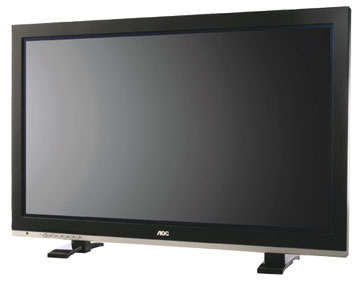
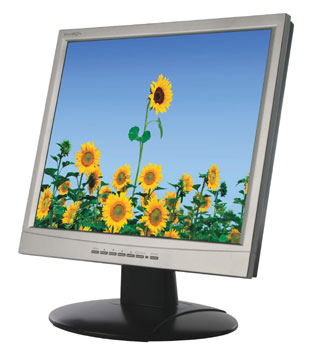
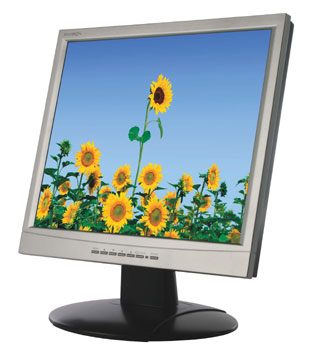
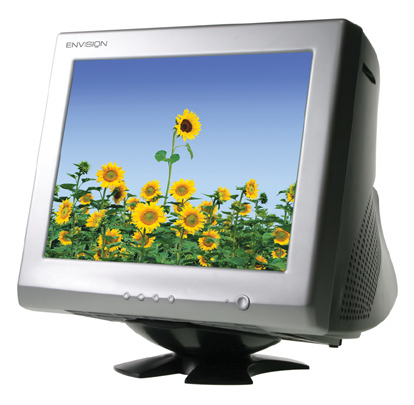
Download the Envision logo or a product image. Higher resolution images will take a while to download depending on the speed of your connection to the Internet. Follow the instructions below for your operating system. |
||||||||||||||||||||||||||||||||||||||||||||||||||||||||||||||||||||||||||||||||||||||||||||||||||||||||||||||||||||
|
Downloading Images Windows: Right-click on the image link for the image you want to download. From the pop-up menu that appears, choose "Save This Link As..." or "Save Target As...". A dialog box will appear. Choose where you would like the file saved. Click the "Save" button.Mac OS: Click and hold your mouse button down on the image link for the image you want to download until a pop-up menu appears. Select "Download Link To Disk..." or "Save This Link As..." from the pop-up menu. A dialog box will appear. Choose where you would like the file saved. Click the "Save" button. Be sure to choose "Source" not "Text" in for the "Format" pop-up menu in the dialog box if given a choice. Envision Logo
EPS Vector Art Image (download in .EPS) Product Images
|
||||||||||||||||||||||||||||||||||||||||||||||||||||||||||||||||||||||||||||||||||||||||||||||||||||||||||||||||||||
|
||||||||||||||||||||||||||||||||||||||||||||||||||||||||||||||||||||||||||||||||||||||||||||||||||||||||||||||||||||













 Download Envision logo: